
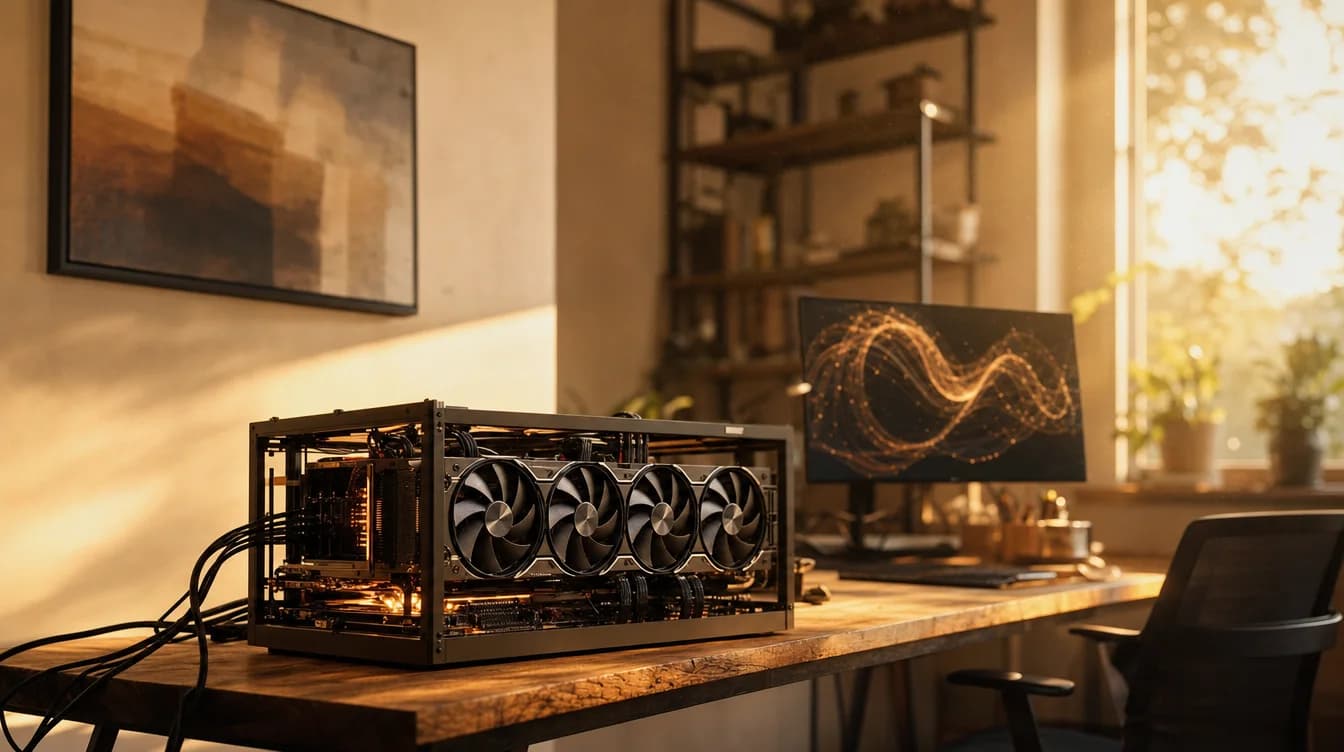
Is Qwen 3.6 the best AI model you can run at home?
Alibaba has released an open-weight model that matches Claude Opus 4.7 in some coding tests and fits on a single 24 GB GPU. What does that mean for companies and developers?
News analysis
Qwen 3.6 + Ollama
What is new
Alibaba released Qwen 3.6-35B-A3B on April 17, 2026. The key detail is its architecture: it is a Mixture-of-Experts model with 35 billion parameters in total but only 3 billion active for each processed token. That allows it to run quickly on hardware that could not handle a conventional 35B model.
At Q4 quantisation, it needs roughly 21 GB of VRAM, so it fits on one RTX 4090 or RTX 5090. It scored 73.4% on SWE-Bench Verified, which measures whether a model can take a real coding task from the brief to a working pull request. Across several other tests, it approaches the proprietary Claude Opus 4.7, a model that runs only in the cloud and costs substantially more per million tokens.
Total parameters
Active per token
VRAM at Q4
SWE-Bench Verified
Qwen 3.6 was not the only April release. Google launched Gemma 4 26B MoE, which uses an Apache 2.0 licence and can run in 16 GB of RAM. Moonshot released Kimi K2.6, with roughly one trillion parameters but a requirement for server GPUs. GLM-5.1 from Zhipu AI and DeepSeek V4 Pro/Flash also arrived. For realistic self-hosting on attainable hardware, however, Qwen 3.6 leads on the combination of capability, memory requirements and open licensing.
What will you appreciate most?
Your data never leaves your hardware. That is the core value of an open-weight model and something a hosted API cannot provide by design. For banks, law firms, healthcare organisations and development teams under an NDA, this is not a nice feature. It is the condition that makes AI deployment possible at all.
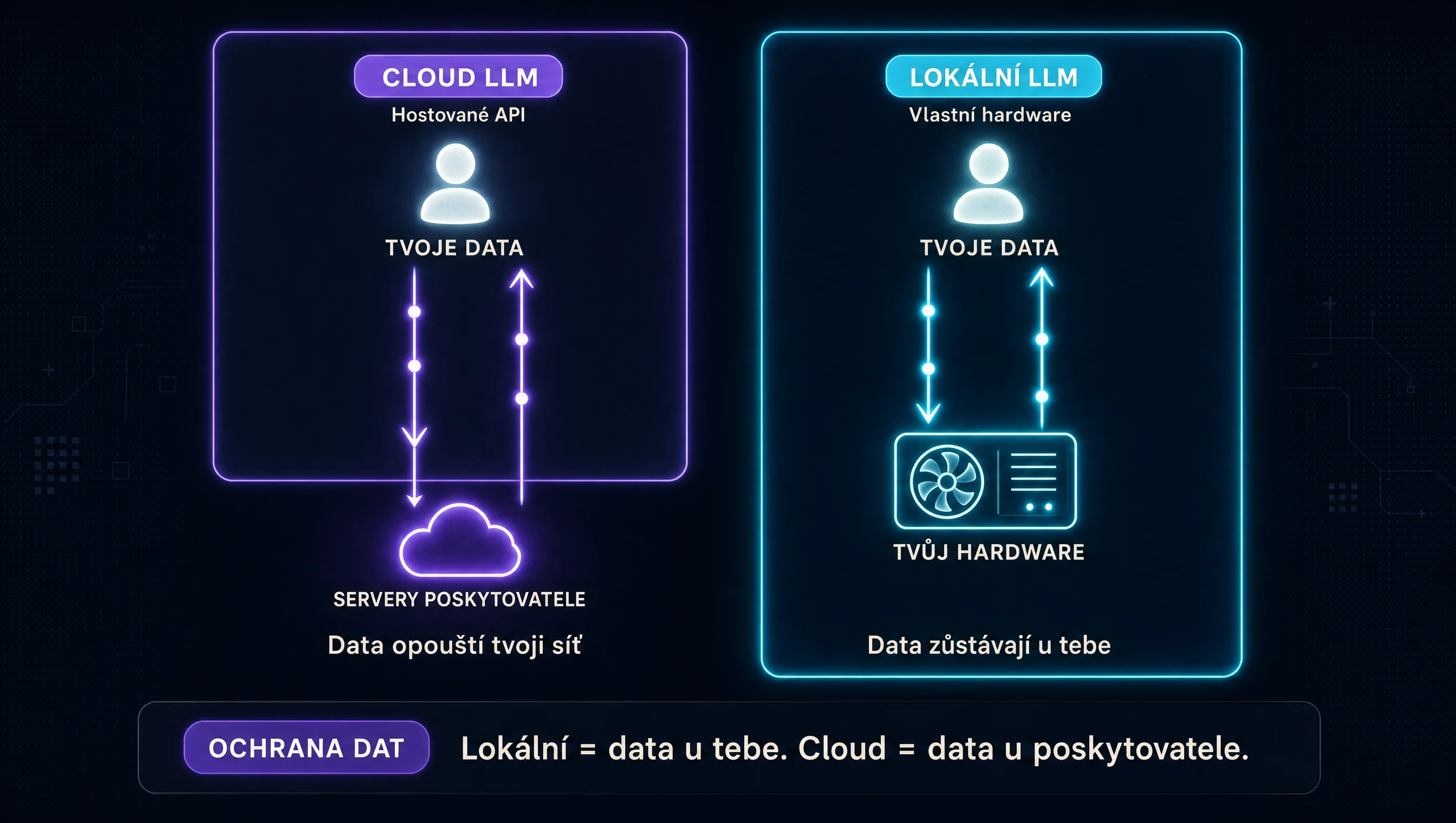
Privacy
No limits
Fine-tuning
No guardrails
The MoE architecture is central to this. Three billion active parameters per token keep inference fast, while the remaining 32 billion become involved only when the task genuinely needs them.
Who it is for
Companies with sensitive data are the main audience. Banks, law firms, healthcare organisations and development teams working under strict NDAs. For them, Qwen 3.6 is the first open-weight model that can realistically replace cloud services instead of merely offering a compromise.
Companies with sensitive data
- NDAs
- Client data
- Healthcare
- Banking
- Legal work
Developers who want control
- Custom agents
- Fine-tuning
- Prompt caching
- Retry logic
Advanced users
- No guardrails
- Unlimited tokens
- Own hardware
Caution: subscriptions still win for most users
- Agencies
- Freelancers
- A few hours per day
- Mobile workflow
How to use it in practice
Deploying Qwen 3.6 comes down to three decisions: hardware, inference engine and quantisation.
Hardware. Be realistic: computing hardware has become significantly more expensive over the past year because of AI demand. The RTX 5090 has a $2,000 MSRP but often sells for $3,000 to $4,000. A data-centre H100 starts around $12,000 on the secondary market. Setups therefore fall into three categories:
Entry (CZK 70–100k)
Mid (CZK 200–400k)
Enterprise (CZK 1M+)
Inference engine. Ollama is enough for testing and small teams: run ollama pull qwen3.6:35b and you are ready. llama.cpp provides full control over quantisation and parameters. For a production deployment with high throughput and several concurrent requests, vLLM is the standard.
Quantisation. Q4_K_M needs around 21 GB of VRAM and loses a small amount of quality, making it the default for a 24 GB GPU. Q6_K uses roughly 28 GB and offers better quality. Q8_0 requires 48 GB or more and is practically indistinguishable from the full weights.
Practical example
A fintech company with 30 developers and an NDA covering its source code. Sending files to the Claude API is not allowed, but productivity falls without an AI assistant.
The company builds a server with two RTX 5090 cards, spending roughly CZK 200,000 on hardware. It installs Ollama with Qwen 3.6-35B-A3B at Q4 quantisation and exposes an OpenAI-compatible endpoint on the internal network. Developers use it through Continue.dev, Cursor in local mode or a custom VS Code extension. It draws roughly 600 W at peak, has no monthly subscription and no rate limit. After a year and a half, the hardware pays for itself compared with the expected cloud API use. Sensitive code has never left the company, and the model has been fine-tuned twice on internal libraries, so it understands company conventions better than a cloud model without additional context.
Recommended tools
Three open-weight models to try depending on your hardware:
Qwen 3.6-35B-A3B
Alibaba
Best for
Developers and companies with a 24 GB GPU; the best capability-to-VRAM ratio in spring 2026.
Gemma 4 26B MoE
Google DeepMind
Best for
Developers without a powerful GPU, laptop testing and edge deployment.
Kimi K2.6
Moonshot AI
Best for
Companies with their own data centre that want the top end of open-weight models.
And the tooling to run them:
- Ollama
- llama.cpp
- vLLM
- Open WebUI
Summary
April 2026 showed that open-weight models were catching up with proprietary leaders faster than most people expected a year earlier. Qwen 3.6 is currently the best compromise between capability and hardware requirements: performance near Claude Opus 4.7 on selected tasks while fitting on a single 24 GB GPU.
For most people, however, a subscription still wins. Thirty to sixty dollars per month is difficult to compare with CZK 100,000 for entry-level hardware, plus electricity, maintenance and time. A local model makes sense where data cannot leave the company, where intensive work requires unlimited tokens or where the model needs to be fine-tuned for a specific context.
The direction is clear: open-weight capabilities are improving faster than hardware prices are rising. For companies with sensitive data, the question is no longer whether to switch, but when the economics make sense.
Q4 fits on 24 GB
73.4% SWE-Bench
Entry setup ~CZK 70k
Subscription from ~$30/month
Sources
- Qwen3.6-35B-A3B on Hugging Face — official release, model card and benchmarks.
- VRAM requirements for Qwen 3.6 (Will It Run AI) — quantisation table and hardware recommendations.
- Top Local Models List April 2026 (Latent Space / AI News) — overview of April releases including Gemma 4, Qwen 3.6, Kimi K2.6, GLM-5.1 and DeepSeek V4.
- GPU Buying Guide 2026 (PremAI Blog) — current hardware prices for AI workstations and servers.
- DeepSeek and Kimi privacy concerns (Harmonic Security) — analysis of data risks in Chinese AI services.
Frequently asked questions
What people often ask
Is buying my own hardware worth it instead of subscribing to Claude or ChatGPT?
It depends on the work. For a typical agency, freelancer or marketer, a Claude Code or ChatGPT Plus subscription is cheaper and more convenient. It costs tens of dollars a month, while entry-level hardware starts at roughly CZK 70,000. A local setup makes sense when data must not leave the company, as in banking, legal work, healthcare or NDA-covered development; when you need effectively unlimited tokens for intensive use; or when you want to fine-tune a model on your own data.
Are Chinese open-weight models safe from a data perspective?
It depends on whether they run locally or through a hosted service. When you download the Qwen 3.6 weights and run the model on your own hardware, prompt data does not go anywhere. Hosted services such as kimi.ai and deepseek.com are a different matter. In 2025, Wiz Research found a publicly accessible kimi.ai database containing more than a million chat records, including API keys. Running the weights locally removes that problem entirely.
How do I run Qwen 3.6 at home?
The fastest route is Ollama. After installing it, run `ollama pull qwen3.6:35b` and it downloads a quantised version suitable for your hardware. Use llama.cpp for full control over parameters and memory requirements. If you need to serve several concurrent users or deploy it in production, vLLM is the standard choice. Open WebUI provides a chat interface that can replace the familiar ChatGPT-style UI.
What is a MoE architecture, and why does it matter?
MoE stands for Mixture of Experts. The model has many parameters but activates only some of them for each processed token. Qwen 3.6 has 35 billion parameters in total, but only 3 billion active for each token. As a result, it runs quickly on hardware that could not handle a conventional 35B model at all. The other experts become involved only when a specific task needs them.
How much VRAM does Qwen 3.6 need?
Qwen 3.6 needs roughly 21 GB of VRAM at Q4 quantisation, so it fits on one RTX 4090 or RTX 5090. Q6 uses around 28 GB, while Q8 needs 48 GB or more. Full, unquantised weights require server-class hardware. For most home users, Q4 on a 24 GB GPU is the right choice.
Keep going
Related articles
More guides from the same area, topics and tools.
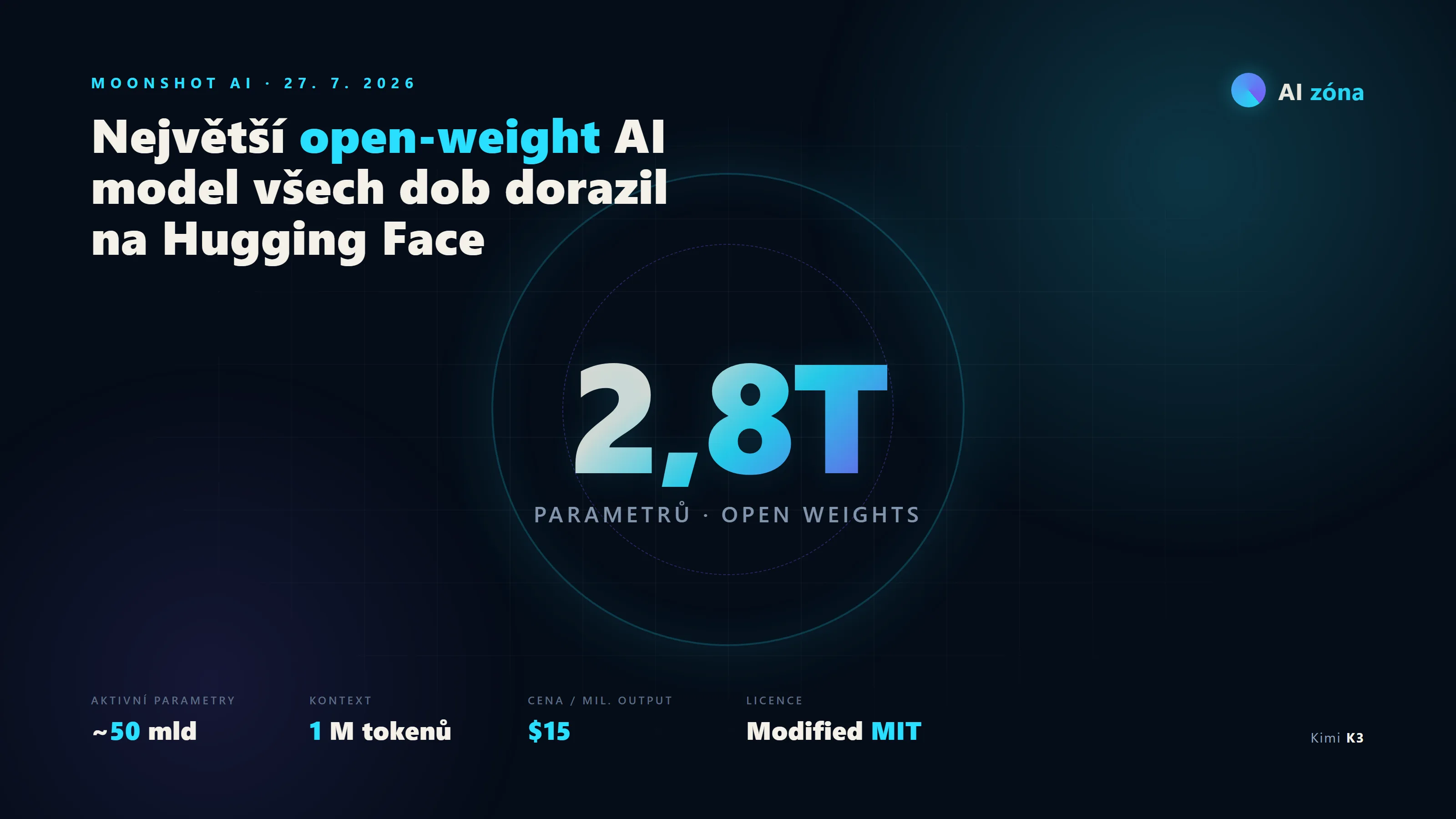
Kimi K3: 2.8 trillion parameters for free, but your home PC will not run it
Moonshot AI released Kimi K3 on July 27, 2026, the largest open-weight model in history. It has 2.8 trillion parameters, an MIT-modified license and, through a hosting cloud, costs roughly a third of Fable 5. Running it at home is a no-go.

Claude Fable 5: how good is the model that wrote this article about itself?
The most capable model of the moment? I let Fable 5 write the article about itself. See how it did: benchmarks, pricing and the safety guardrails inside.

Claude Opus 4.8: should you switch to Anthropic's new flagship model?
Anthropic has released Claude Opus 4.8, its new flagship model. It is more reliable at coding, handles longer agentic tasks and lets you control how much effort it spends on each answer.